
From table card to live menu.
A simpler experience for guests and a faster way for your team to keep the menu current.
- 1
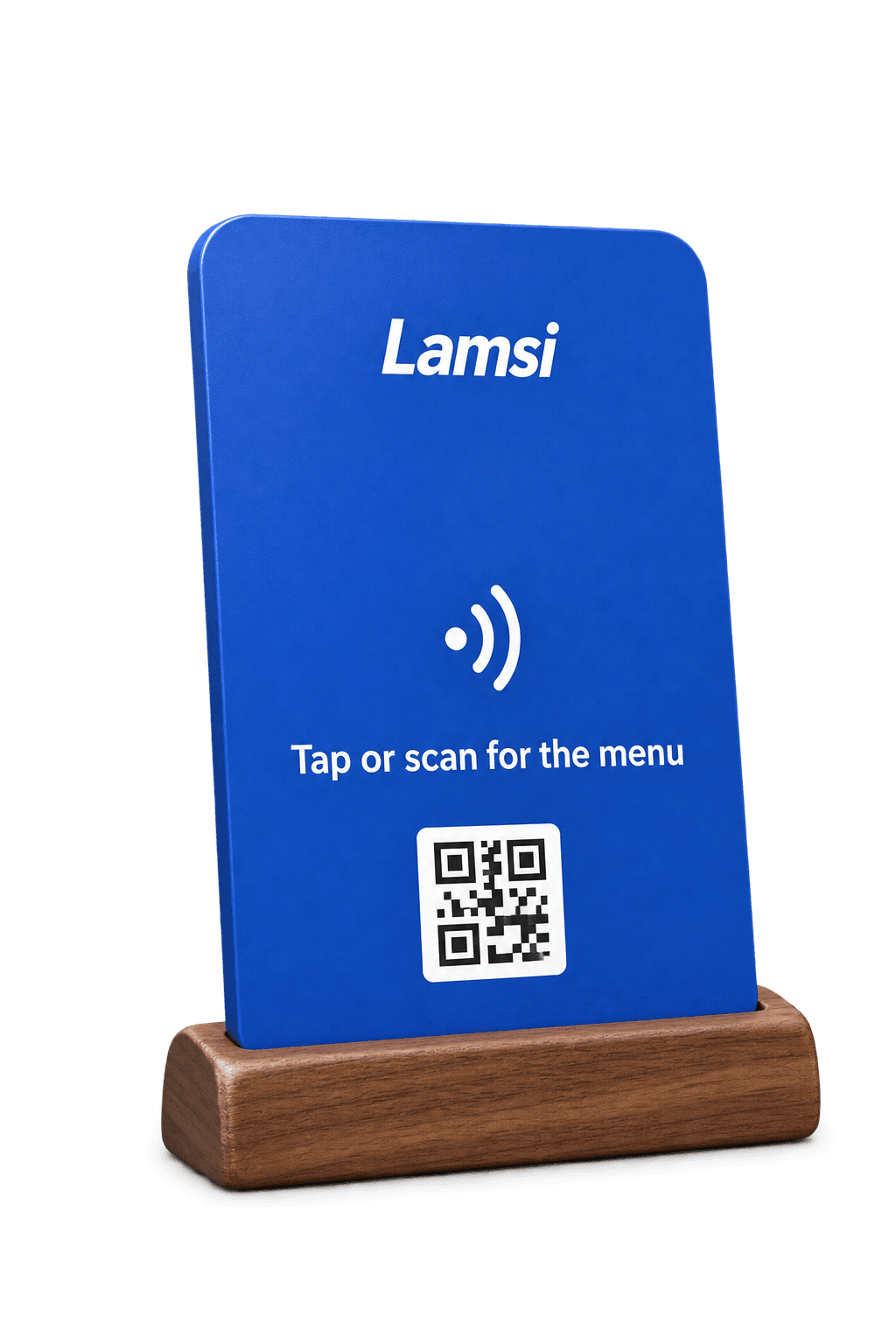
Tap or scan
One NFC card and QR code work on any modern phone.
- 2
Browse naturally
Guests read the menu in Hebrew, Arabic or English—without installing an app.
- 3
Change it once
Update a price or availability and every table sees it.
The guest experience
Let the menu prove it.
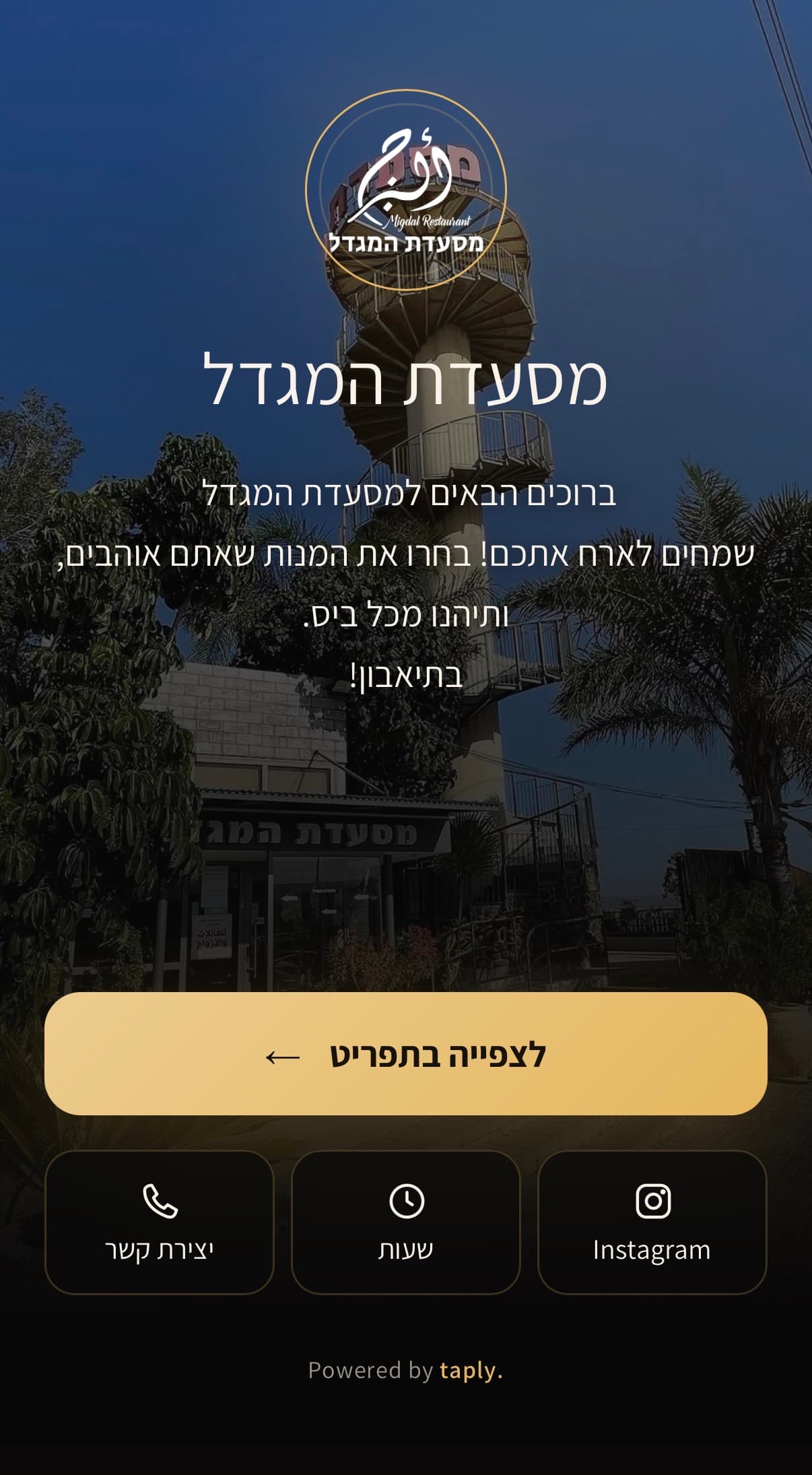
Explore a real Lamsi menu. Switch the category or language and see how natural it feels on a phone.
Press “Simulate a tap” inside the phone
- TapThe phone meets the card
- OpenOne tap on the notification
- BrowseThe menu, in their hand
Service changed. Your menu can too.
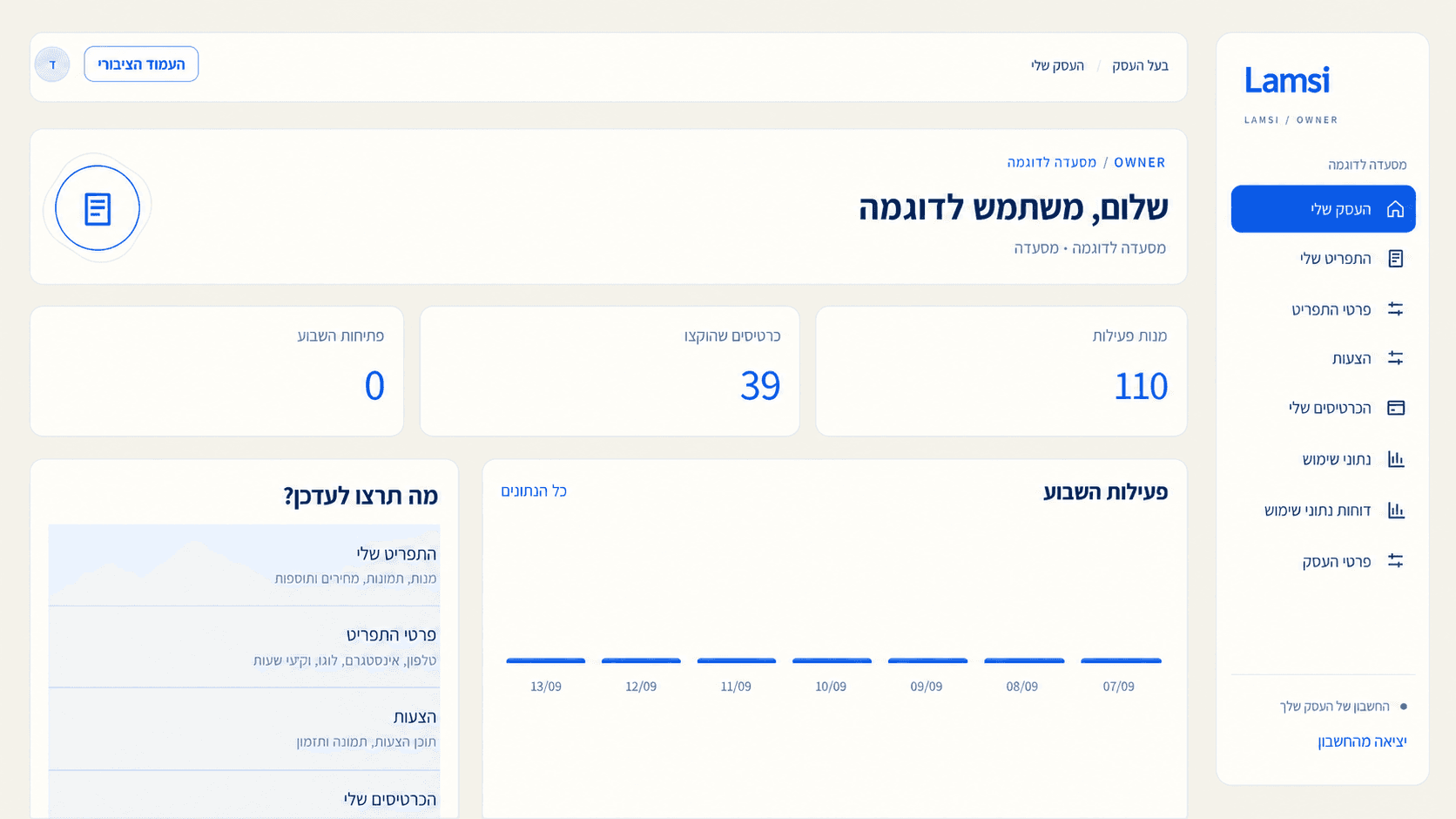
Keep the menu accurate from your phone or computer. Every saved change is ready for the next table.
- A price change takes effect immediately
- Marking a dish sold out hides it without deleting it
- Upload a photo from your phone
- The same menu in three languages
Built for the rush, not another software project.
We handle the setup, then give your team the simple controls it needs during service.
We build your first menu
Send us your current menu and we handle the initial setup, structure and languages.
Update from anywhere
Change a price, photo or availability from a phone or computer—no technical skills needed.
Three languages included
One menu in Hebrew, Arabic and English, with an easy switch for every guest.
QR and NFC cards included
Guests can scan or tap at the table. No app, ads or distracting redirects.
One menu. Every table. Always current.
A flat monthly plan based on your restaurant, with setup, cards and support included. No commission and no long contract.
Get a quoteWe reply the same business day.
- A complete digital menu
- A dashboard for updates
- NFC cards and QR codes
- We build your first menu
- Support in Hebrew and Arabic
- Three languages for your guests
FAQ · 01—06
Before you ask
Ready to stop reprinting menus?
Tell us a little about your restaurant. We will reply with the right setup and next steps—no obligation.
Talk to Lamsi01Does the guest need to download an app?
No. The menu opens in the phone's browser like any website. No download, no sign-up and no account.
02Do I need a developer to update it?
No. You update it yourself from the dashboard. Changing a price is a field you fill in and save, and it takes effect immediately.
03How long does setup take?
We build your first menu from your existing one and send it for approval. It is usually finished within a few business days.
04What if a guest does not read Hebrew?
The menu exists in Hebrew, Arabic and English, and the guest picks a language at the top of the screen.
05Are the cards and QR codes charged separately?
No. NFC cards and QR codes are included in the monthly price, and so is a replacement if a card is damaged.
06Can I change a price during service?
Yes. The change is live the moment you save, so the next guest who scans sees the new price.
Ready to stop reprinting menus?
Tell us a little about your restaurant. We will reply with the right setup and next steps—no obligation.